25 October 2026 · 9 min read
Device enrollment and certificate binding: an mTLS flow for field devices
How to give every handheld its own non-exportable identity: one-time enrollment, a CSR signed by your own CA, mutual TLS at the gateway, and tokens bound to the device certificate.
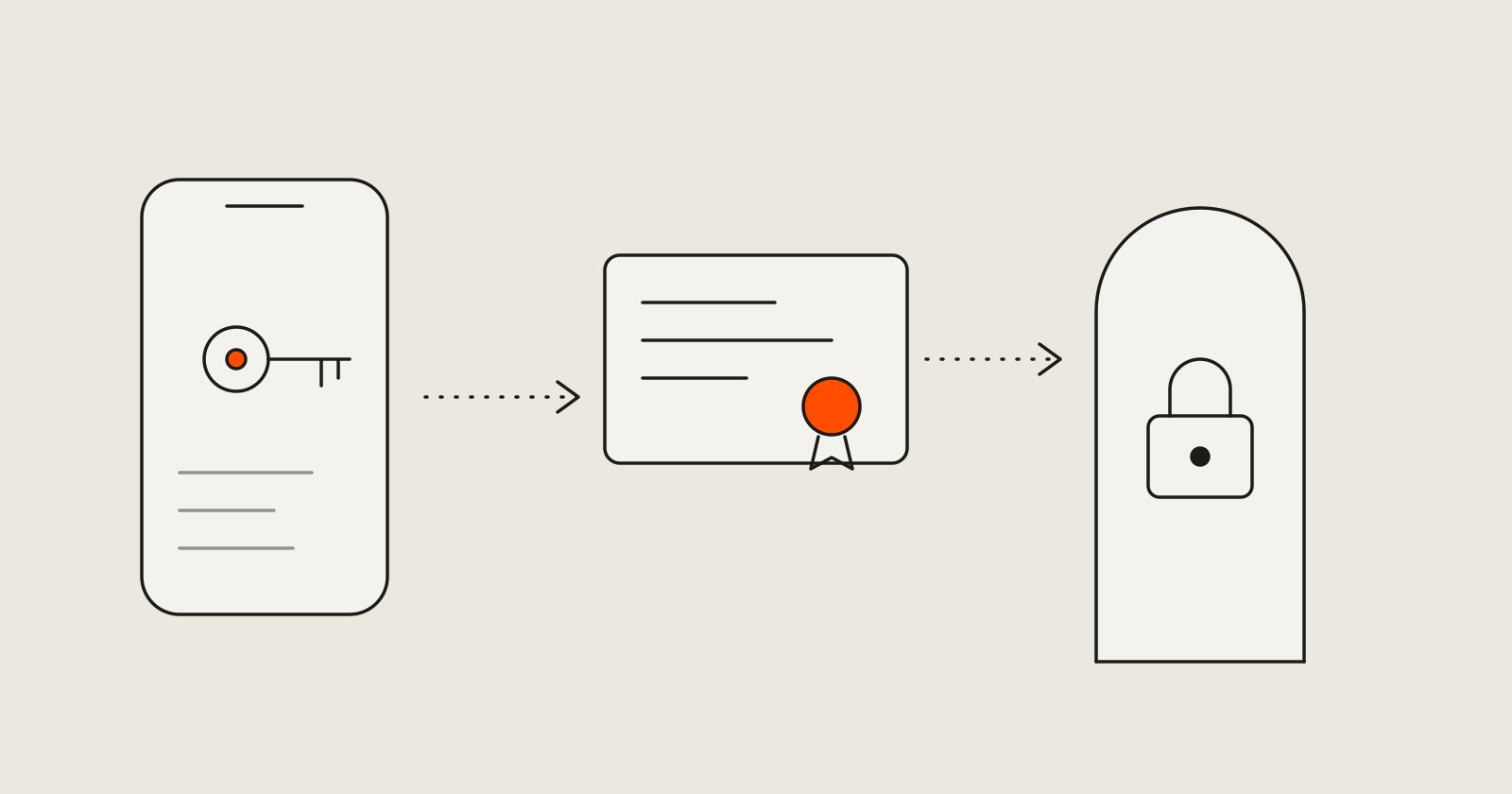
A shared API key baked into an app is not an identity. Anyone who extracts it, from a rooted phone or a decompiled package, can impersonate every device you have ever shipped, and the only way to take that access away is to break all of them at once.
Handheld terminals, tablets bolted to machines and field inspectors’ phones deserve better: each device should have its own identity, a private key that never leaves it, and a way to be switched off individually. Mutual TLS (mTLS) gives you that. This article walks through the whole flow, from the first enrollment to renewal and revocation, with the pieces of code and configuration that matter.
What we are building
The goals, in order of importance:
- A device proves who it is with a key that cannot be copied off the device.
- A stolen enrollment secret is worth very little: it works once, briefly, for one site.
- A single device can be revoked without touching the others.
- A stolen access token is useless without the device that it was issued to.
- Everything keeps working through the realities of field use: clocks drift, devices sit offline for days.
The flow has five stages:
admin ── enrollment token ──▶ device
device ── CSR + token + attestation ──▶ enrollment service ── signs ──▶ device certificate
device ══ mTLS ══▶ gateway ──▶ API   (every request carries the certificate)
user logs in over that channel ──▶ access token bound to the certificate
device ══ mTLS ══▶ /renew before the certificate expires
Step 1: a one-time enrollment token
An administrator creates a token for a specific site and role, shows it to the person setting up the device (often as a QR code), and the token is consumed by the first successful enrollment. Store only a hash of it, so a database leak does not leak working tokens:
CREATE TABLE enrollment_token (
  token_hash  bytea       PRIMARY KEY,                   -- SHA-256 of the token
  site_id     bigint      NOT NULL REFERENCES site (id),
  role        text        NOT NULL,
  expires_at  timestamptz NOT NULL,                      -- minutes, not days
  used_at     timestamptz,
  created_by  bigint      NOT NULL REFERENCES admin_user (id)
);
Consuming it must be a single atomic statement. A “select, then update” lets two devices race on the same token:
UPDATE enrollment_token
   SET used_at = now()
 WHERE token_hash = $1
   AND used_at IS NULL
   AND expires_at > now()
RETURNING site_id, role;
If it returns no row, enrollment is refused, and the response must not reveal whether the token never existed, expired or was already used.
Step 2: the device creates its own key
The private key is generated on the device, inside secure hardware, and marked non-exportable. On Android that is the Keystore (StrongBox where available); on iOS the Secure Enclave; on embedded Linux a TPM or secure element. The server sends a fresh random challenge, and the device asks the keystore to include it in an attestation certificate chain:
val spec = KeyGenParameterSpec.Builder("device-key", KeyProperties.PURPOSE_SIGN)
    .setAlgorithmParameterSpec(ECGenParameterSpec("secp256r1"))
    .setDigests(KeyProperties.DIGEST_SHA256)
    .setAttestationChallenge(challengeFromServer)      // random nonce, one use
    .build()

KeyPairGenerator.getInstance(KeyProperties.KEY_ALGORITHM_EC, "AndroidKeyStore")
    .apply { initialize(spec) }
    .generateKeyPair()

val attestationChain = KeyStore.getInstance("AndroidKeyStore")
    .apply { load(null) }
    .getCertificateChain("device-key")                 // sent to the server with the CSR
The device then builds a certificate signing request (CSR) with that key. A CSR is a signed statement “here is my public key, and I hold the private half”, so signing it is proof of possession. A library such as BouncyCastle builds it with the keystore key as the signer, so the key itself never leaves the secure hardware.
Step 3: the enrollment service checks everything, then signs
The endpoint is reached over ordinary TLS (the device cannot do mTLS yet, because it has no certificate). The service performs these checks, in this order, and refuses on the first failure:
- The token consumes successfully (statement above).
- The CSR’s signature is valid, which proves possession of the key.
- The key is the type you allow (for example EC P-256) and nothing else.
- The attestation chain verifies up to the platform vendor’s published roots, the challenge matches the nonce you issued, and the key is reported as hardware-backed. On Android the attestation record is in the certificate extension
1.3.6.1.4.1.11129.2.1.17; use the vendor’s current documentation for the roots and the fields to check. - Device limits per site are respected.
Then comes the rule that prevents a whole class of problems: ignore everything the CSR asks for except the public key. The subject, the extensions and the validity are decided by the server. The device does not get to name itself.
The signing configuration for the issued certificate looks like this:
# client.ext: what an issued device certificate may do
[ client_ext ]
basicConstraints     = critical, CA:FALSE
keyUsage             = critical, digitalSignature
extendedKeyUsage     = clientAuth
subjectAltName       = URI:urn:device:$ENV::DEVICE_ID
# What the signing step does (in production this runs in a service or a KMS/HSM, not in a shell)
DEVICE_ID=3f6c9a52-0b7e-4d1a-9c1e-5d2a8b7e4f10 \
openssl x509 -req -in device.csr \
-CA issuing-ca.crt -CAkey issuing-ca.key -CAcreateserial \
-days 30 -sha256 -extfile client.ext -extensions client_ext \
-subj "/O=Example/CN=device-$DEVICE_ID" \
-out device.crtThree decisions are baked into those lines. The certificate is client-only (clientAuth, not a CA), so a stolen one cannot mint others. It is short-lived (30 days here), because short lifetimes are the most reliable form of revocation. And the identity is a random device ID in the SAN, not a serial number or an IMEI someone could guess.
The CA hierarchy matters too: keep the root offline, and let an issuing intermediate (with pathlen:0) sign device certificates, ideally with its key in a KMS or HSM. If the intermediate is ever compromised you replace it; if the root is, you start over.
The response contains the certificate and the chain. The device stores the certificate next to the key it already holds, and the pair is now its identity.
Step 4: the gateway terminates mTLS
The reverse proxy in front of your API demands a client certificate, verifies it against only your issuing CA, and tells the application what it saw:
server {
  listen 443 ssl;
  ssl_certificate         /etc/pki/server.crt;
  ssl_certificate_key     /etc/pki/server.key;

  ssl_client_certificate  /etc/pki/device-ca-chain.pem;   # trust only our CA, not the public roots
  ssl_verify_client       on;
  ssl_verify_depth        2;

  location / {
    # Overwrite, never forward: a client must not be able to supply these headers itself.
    proxy_set_header X-Client-Verify $ssl_client_verify;
    proxy_set_header X-Client-Cert   $ssl_client_escaped_cert;
    proxy_pass http://api;
  }
}
Two rules keep this safe. The proxy must overwrite those headers on every request, and the application must be reachable only through the proxy (a network policy, not good intentions), otherwise anyone who can reach the API directly can claim any identity. Many setups accept mTLS only on a dedicated host name, so ordinary web traffic is untouched.
The application turns the certificate into a device record and checks its state on every request. An indexed lookup is cheap, and it means revocation takes effect at once:
import { X509Certificate, createHash } from 'node:crypto';

export async function deviceFrom(req: Req) {
  if (req.header('X-Client-Verify') !== 'SUCCESS') throw new HttpError(401);
  const cert = new X509Certificate(decodeURIComponent(req.header('X-Client-Cert')!));
  const x5t = createHash('sha256').update(cert.raw).digest('base64url');   // certificate thumbprint

  const device = await db.oneOrNone(
    "SELECT id, site_id, status FROM device WHERE current_x5t = $1", [x5t]);
  if (!device || device.status !== 'active') throw new HttpError(403);
  return { device, x5t };
}
Step 5: bind the user’s token to the certificate
The device is now authenticated, but a person still has to log in on it. Device identity and user identity are separate things, and you want both. When the user signs in over the mTLS connection, issue an access token that carries the thumbprint of the certificate in use. This is the certificate-bound access token of RFC 8705:
{
  "sub": "inspector-418",
  "scope": "inspections:write",
  "cnf": { "x5t#S256": "bwcK0esc3ACC3DB2Y5_lESsXE8o9ltc05O89jdN-dg2" }
}
On every API call, the resource server compares the thumbprint in cnf with the certificate of the connection it arrived on:
const { x5t } = await deviceFrom(req);
const claims = verifyJwt(bearerToken(req));
if (claims.cnf?.['x5t#S256'] !== x5t) throw new HttpError(401);     // token used from another device
Now a leaked token, from a log file or a screenshot, cannot be replayed from anywhere else, because the attacker does not hold the private key that the thumbprint refers to.
Renewal, offline devices and revocation
Renewal. Devices renew over mTLS (POST /renew with a new CSR) once they have used about two thirds of the certificate lifetime. The server checks that the current certificate is active, issues the next one and records its new thumbprint. Keep the old certificate valid until it expires, so a request in flight does not fail. Rotating the key at renewal limits the damage of any key you later learn was exposed.
Offline devices. This is where the design meets reality. A device that stays offline longer than the certificate lifetime comes back with an expired identity. Decide this in advance. Either make the lifetime longer than your longest realistic offline period, or give such devices a clear re-enrollment path (a new token, as in step 1) so that no one has to guess. Also expect wrong clocks: a device with a bad time will see valid certificates as “not yet valid”, so do not collapse every TLS error into “revoked”.
Revocation. For your own API you do not need CRLs or OCSP. Set status = 'revoked' on the device record and the next request fails, because step 4 checks it every time. Short certificate lifetimes cap the exposure on any path that does not check, and renewal simply refuses for a revoked device. Log who revoked what and why.
Checking it works
Test the flow from a terminal before any app code depends on it:
# should succeed
curl --cert device.crt --key device.key https://mtls.example.com/health

# should be refused: no certificate, a certificate from another CA, an expired one
curl https://mtls.example.com/health
openssl s_client -connect mtls.example.com:443 -cert device.crt -key device.key </dev/null
Then write tests for the failures that matter: a reused enrollment token, a CSR asking for CA:TRUE, a token presented with another device’s certificate, a revoked device, and a request that arrives at the API with a forged X-Client-Cert header.
The short version
A hardware-held key gives each device its own identity. A one-time token and an attestation check gate enrollment. The server decides what the certificate says. The gateway verifies it, the application checks the device on every request, and tokens are bound to the certificate so they cannot travel. Everything else is lifecycle: renew early, plan for offline devices, and revoke at the record rather than hoping a list gets read.
security · mTLS · PKI · mobile